Design visually
Drag, resize, rotate, group, align and layer text, images, shapes, connectors and animated GIFs directly on the canvas.
One deck. Any style. Everyone involved.
Design unforgettable presentations on your Mac. Mix polished typography with unapologetic retro graphics, then bring the room into the story with live activities—all inside one portable Markdown deck.
01 / THE DECK
Rendered directly from examples/example-deck.md. Use the controls inside the deck to explore it.
02 / WHAT IT DOES
Drag, resize, rotate, group, align and layer text, images, shapes, connectors and animated GIFs directly on the canvas.
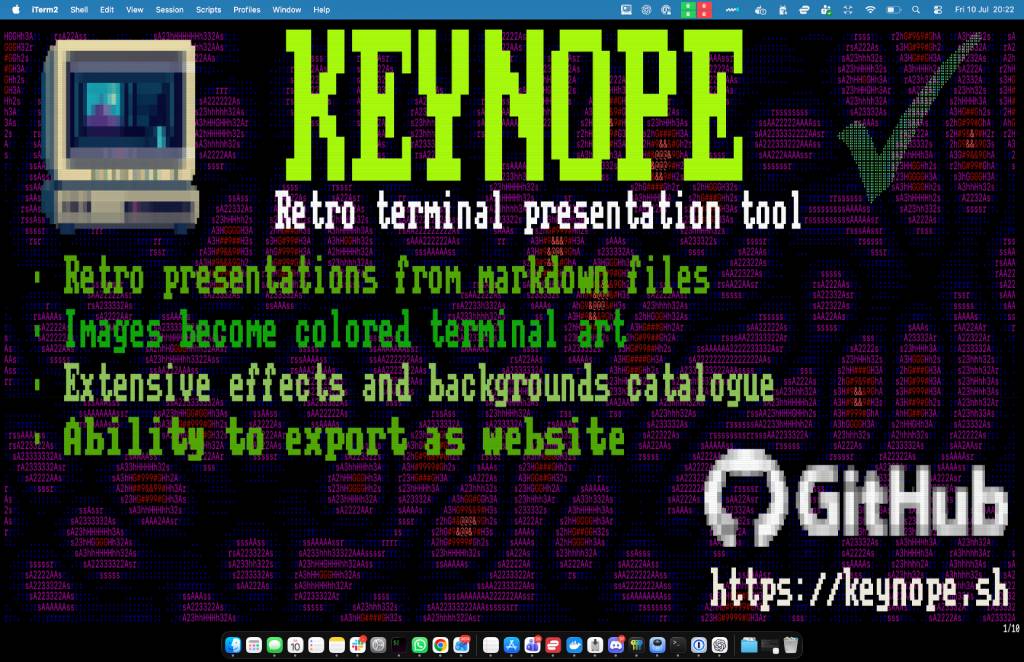
Use clean modern type, Keynope’s C64-inspired font, or mix both. Add gradients, shadows, outlines and transparency.
Crop, mask and recolour images—or turn them into vivid ASCII, block and braille artwork without leaving the editor.
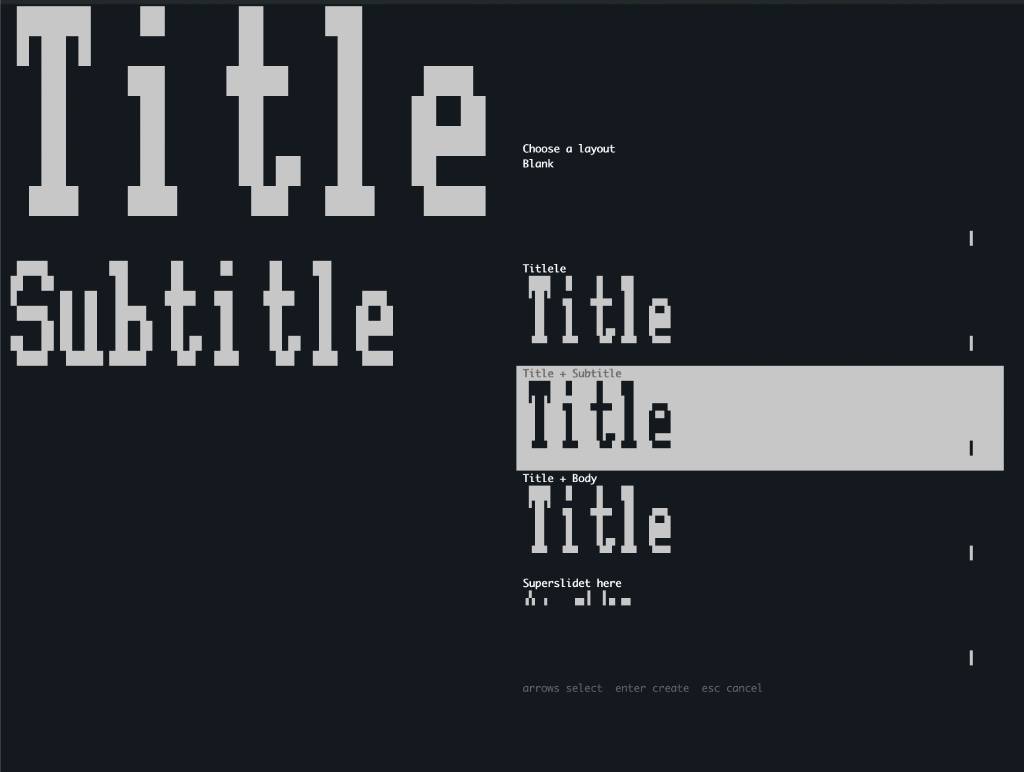
Create master slides, reusable layouts, placeholders and inherited styles that keep large decks coherent.
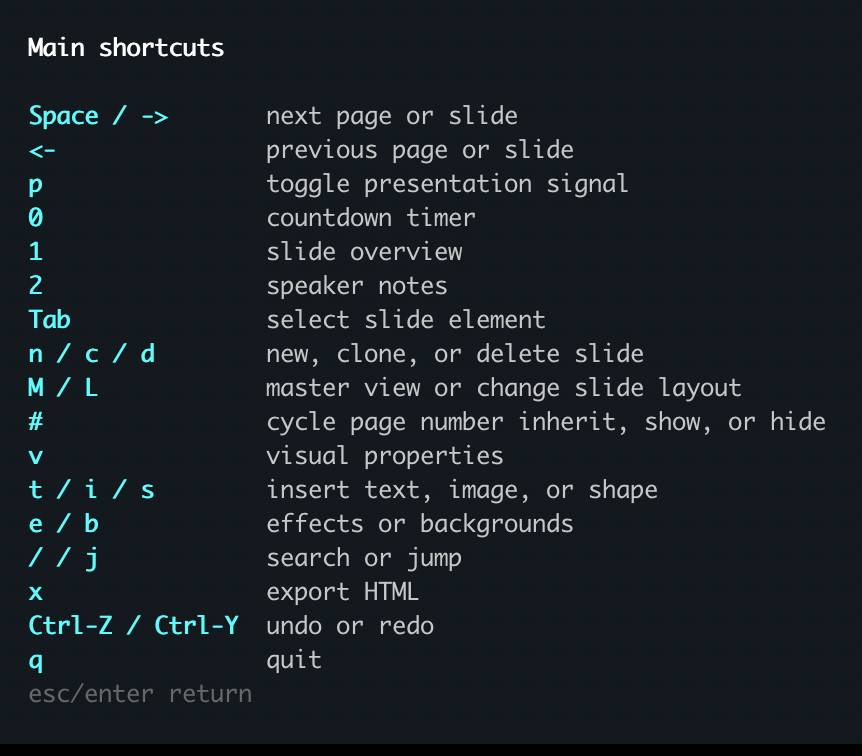
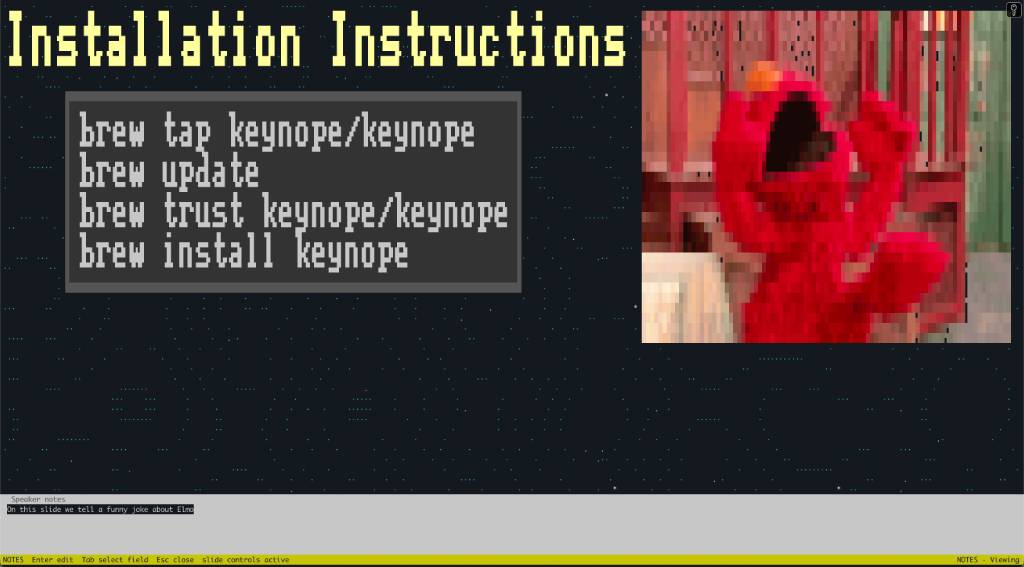
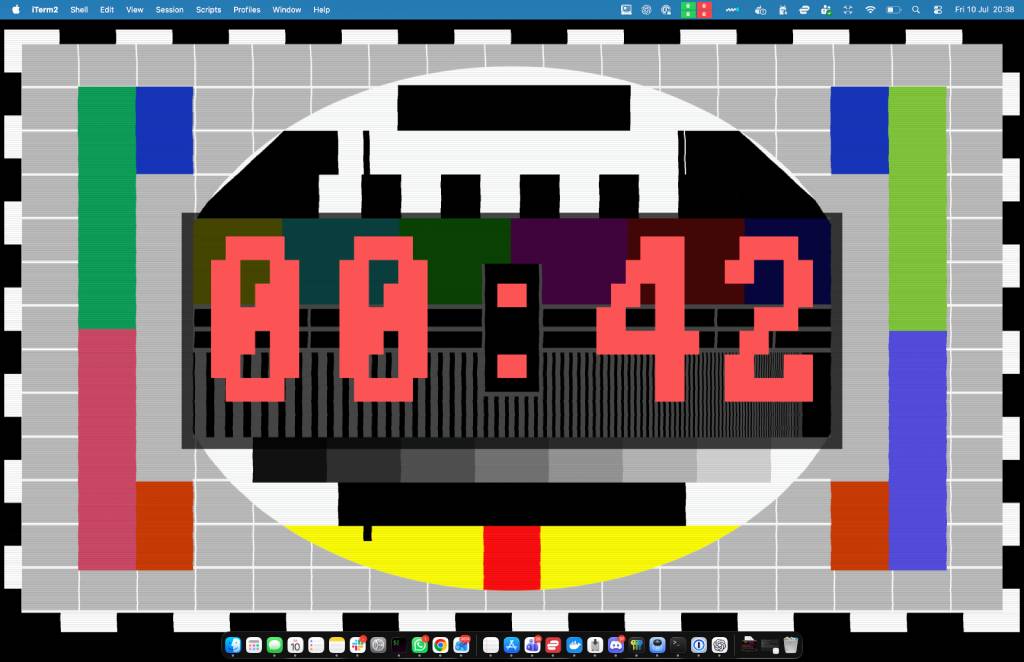
Present locally or on an external display with speaker notes, cheat sheets, timers and presenter controls close at hand.
Your content, styling, imported media, fonts and activity setup travel together inside one editable Markdown file.
Participants join from any browser to follow slides, answer prompts, vote, chat and work in groups.
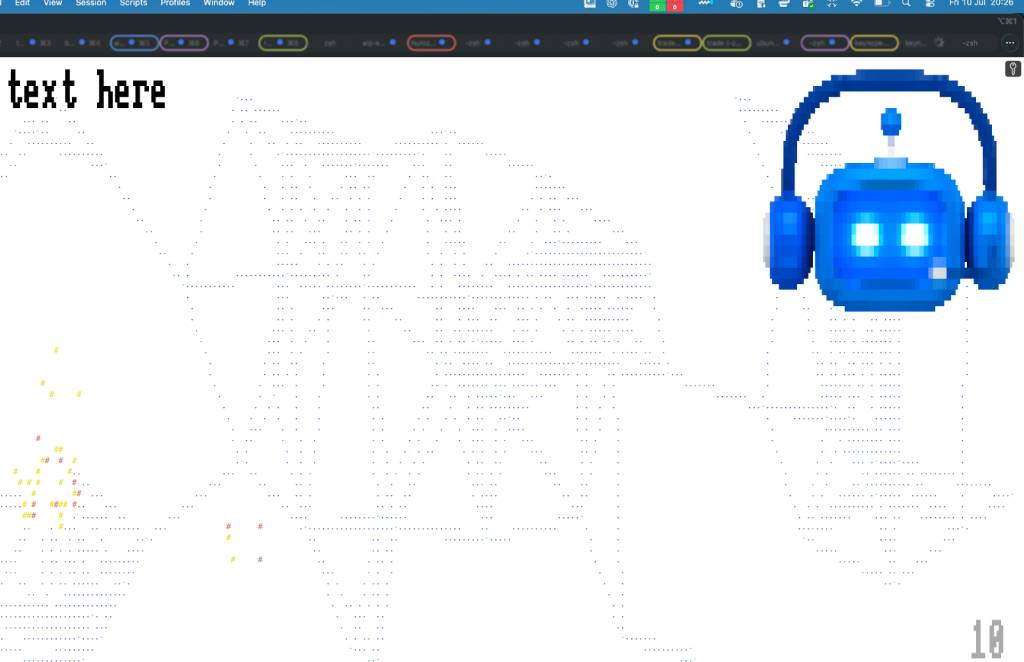
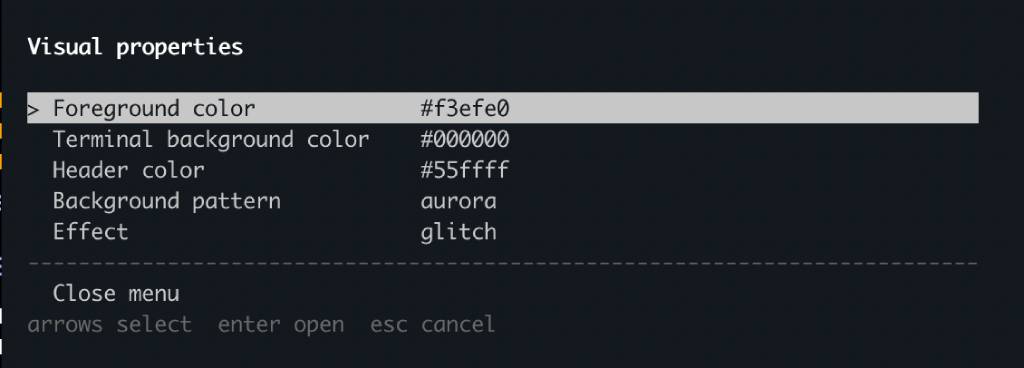
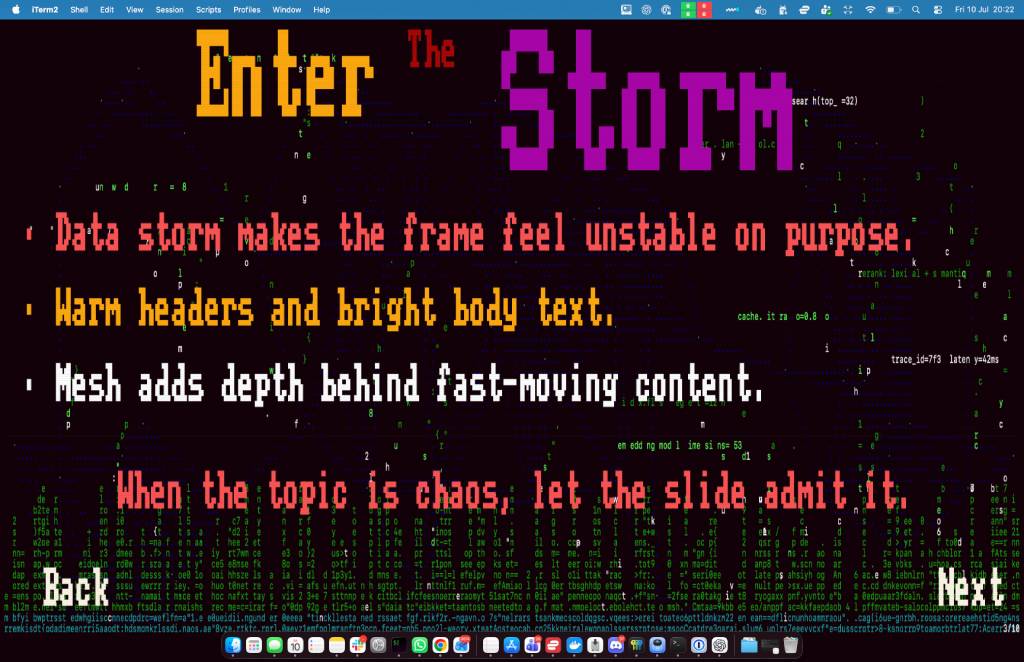
Animated backgrounds and effects bring atmosphere inspired by terminal graphics, ANSI art and the C64 demo scene.
Create a standalone HTML presentation from the same self-contained deck you edit and present in Keynope.
03 / BRING THE ROOM IN
Put an activity directly on a slide. People join once from their phone or laptop, then participate throughout the session without installing anything.
LIVE WORKSHOPS, BUILT IN
Run polls, quizzes, brainstorms, dot voting, Q&A, gallery walks, introductions, group challenges, role games and more. Configure anonymity and timers, watch participation live, and reveal results when the room is ready.
Onboarding creates a persistent participant lobby with chat, private messages, presentation following and group channels. Completed activity results can stay with the deck.
04 / IN PRACTICE
One workspace for composition, styling, activities and presenting. These are real screens from the current Mac app.
05 / OPEN SOURCE
Keynope is MIT licensed. Bring a bug, an idea, a contribution, or the story of the deck that finally woke up the back row.